

Protecting the devices you bring on your travels is just as important as making sure you didn’t forget your passport. Here’s a no-nonsense checklist to run through that covers everything you should do before and during a trip to make your digital life safe.
Secure Your Accounts
It’s best to start things off by upgrading your account security. That means making sure all your accounts have strong, unique passwords and are protected with MFA. This prevents account theft, and you don’t risk losing other accounts if info for one gets exposed through a data breach or due to carelessness.
Create and store passwords in a trusted tool. As this NordPass review shows, not all are equal. Also, use an authenticator app if MFA isn’t available natively. Also, you’ll want to get rid of any old apps you no longer use and make sure that your recovery email addresses and phone number are all up to date.
Update and Patch Everything
Updating all the devices you’ll bring ensures they have the latest protections, making them harder to infect with malware or exploit in other ways. Updates should include the operating system, apps and programs, browsers, and browser extensions.
You’ll also want to double-check that all updates are automatic so the newest security patches are applied as soon as they’re available. Doing all of this before departing makes you more resilient while preventing annoying update requests on unsafe networks.
Back Up Important Data
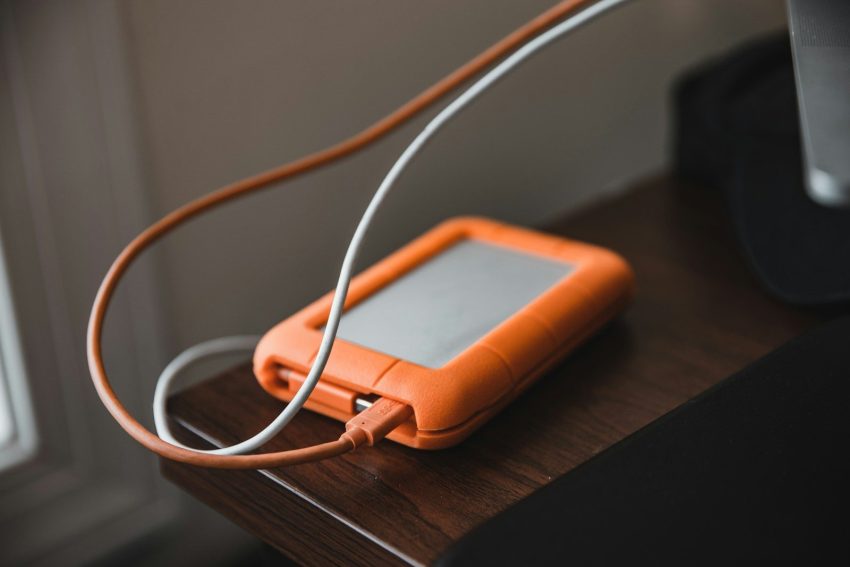
Losing your phone on vacation now means losing access to everything from meaningful photos to important personal and work-related files. Prevent this by backing all important data up, either through the cloud or secure local storage. Most importantly, check that the backups are actually there and that you can access them even without your phone.
Adopt a Less is More Mindset
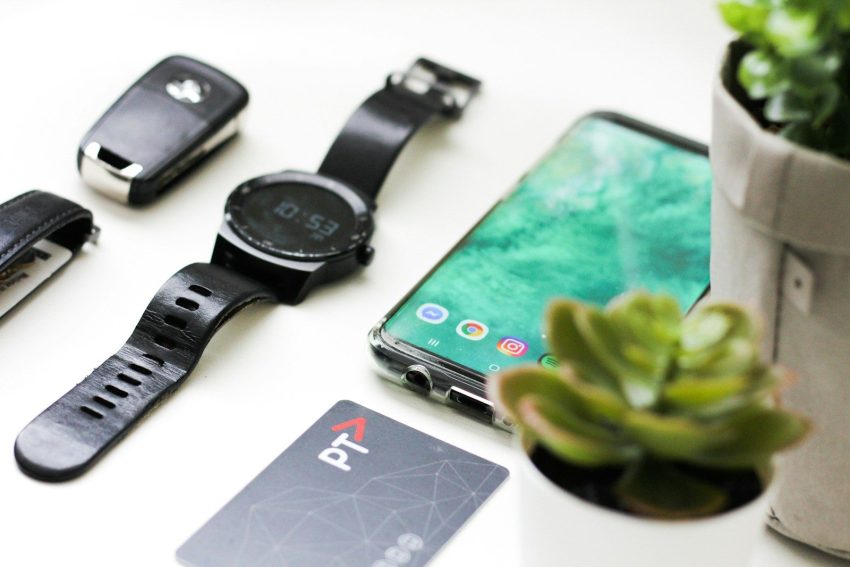
Just like you can pull a week-long trip off on a capsule wardrobe, you can probably bring only a bare minimum of devices and not miss out. When in doubt, consider that only bringing your phone makes keeping an eye on it easier and reduces the chances of it being stolen.
It’s also a good idea to check for and delete any sensitive data you don’t need during the trip. You can always back it up and recover it once you return while not having to worry as much if the phone gets stolen. Better yet, consider a fresh, less expensive model if you know you’ll be traveling to a high-risk area.
Secure a Reliable Internet Connection
Staying connected while traveling is a must, and relying only on Wi-Fi availability might put that connectivity to the test.
It’s better to choose a reliable eSIM plan for the country or region you’re visiting while you’re still at home. The eSIM acts just like a physical SIM card, but you don’t have to hunt for one or replace your original number. Better yet, a single regional plan works in multiple countries, making exploration easier.
eSIMs work wherever there’s mobile coverage and reduce the need to look for Wi-Fi. They’re also cheaper than roaming.
Protect Your Devices from Thieves
The cybersecurity precautions mentioned so far help against online attacks, but they can do little to stop a thief from gaining access to your sensitive files if they manage to swipe an unlocked phone. Upping its physical security while traveling is something to keep in mind.
While you’re still home, make sure to lock it biometrically with a fingerprint or face scan instead of a PIN. You’ll also want to set your phone to lock itself as soon as you’re not actively using it. Turn on Find My Device if supported and enable remote wiping as well. It should go without saying, but keep a closer eye on your phone while traveling and know where it is at all times.
Take Care on Public Wi-Fi
While eSIMs are great for most tasks, Wi-Fi still has its charms. It’s a better fit for video calls or streaming, but it’s also risky. Wi-Fi has fewer safeguards than mobile networks. Touristy areas are also known for having fake Wi-Fi hotspots attackers use to intercept traffic or try to take accounts over through session hijacking.
Avoid logging into important accounts while using public Wi-Fi. It’s also best to have a VPN active since that will encrypt the entire connection and help keep you safe.
In Conclusion
As a recap, here are the main takeaways in an even more convenient checklist format.
- Strengthen account security through unique passwords, MFA, and up-to-date recovery options
- Make sure every device you bring along is running the latest updates
- Back up everything you can’t afford to lose
- Bring as few devices and as little sensitive data with you as possible
- Set up a dependable internet source beforehand through an eSIM
- Lock your devices down against theft
- Use a VPN when accessing public Wi-Fi

Bryan has visited 62 countries, which is exactly one more country than his wife, and she won’t let him forget it! Also an avid photographer, he enjoys entrenching himself within the local culture in order to learn more about the people of a place. He is the co-founder of Budget Your Trip and loves a good adventure, an exotic meal, or a passionate conversation about global events. And he also loves to find out how much stuff costs, which is why he and his wife started Budget Your Trip.
Sign up to our email newsletter to receive sales, deals, and discounts from major travel companies!